The Battle Book
Answer it once. Reuse it for years.
The Battle Book is the structured place your speaking material lives. It is the reason an application takes ten minutes instead of an afternoon.
The ninth time you retype the same bio
Your material is already written. It is just scattered: a bio in four versions across four documents, a headshot somewhere in Dropbox, session descriptions living inside old applications you would have to open to find. So every form starts with twenty minutes of hunting before you write a word.
And the hunting is the cheap part. The expensive part is what it costs you at 11pm the night before a deadline, cutting a 250-word bio down to 100 by hand and losing the one sentence that made it good.
One place for everything an application asks for
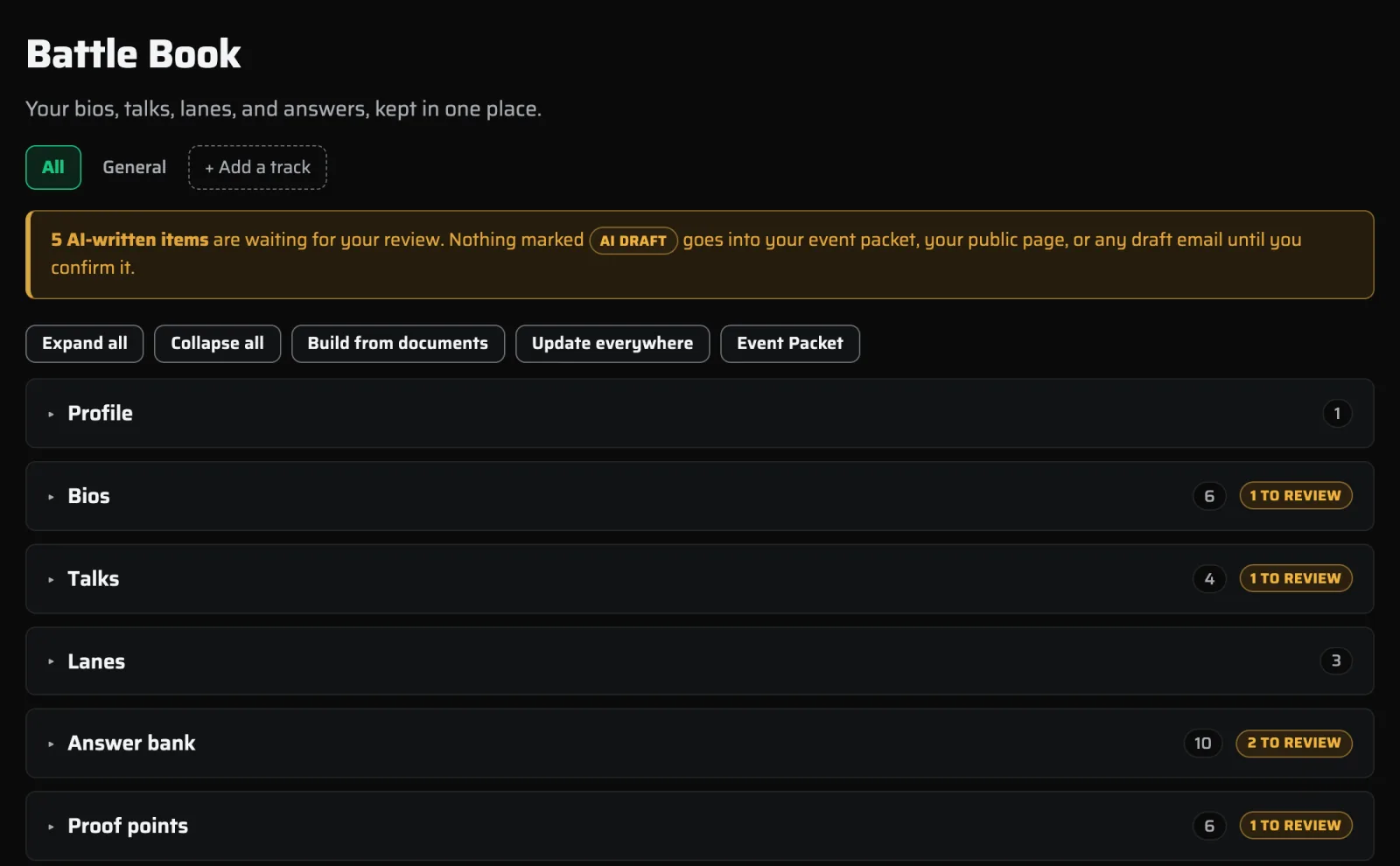
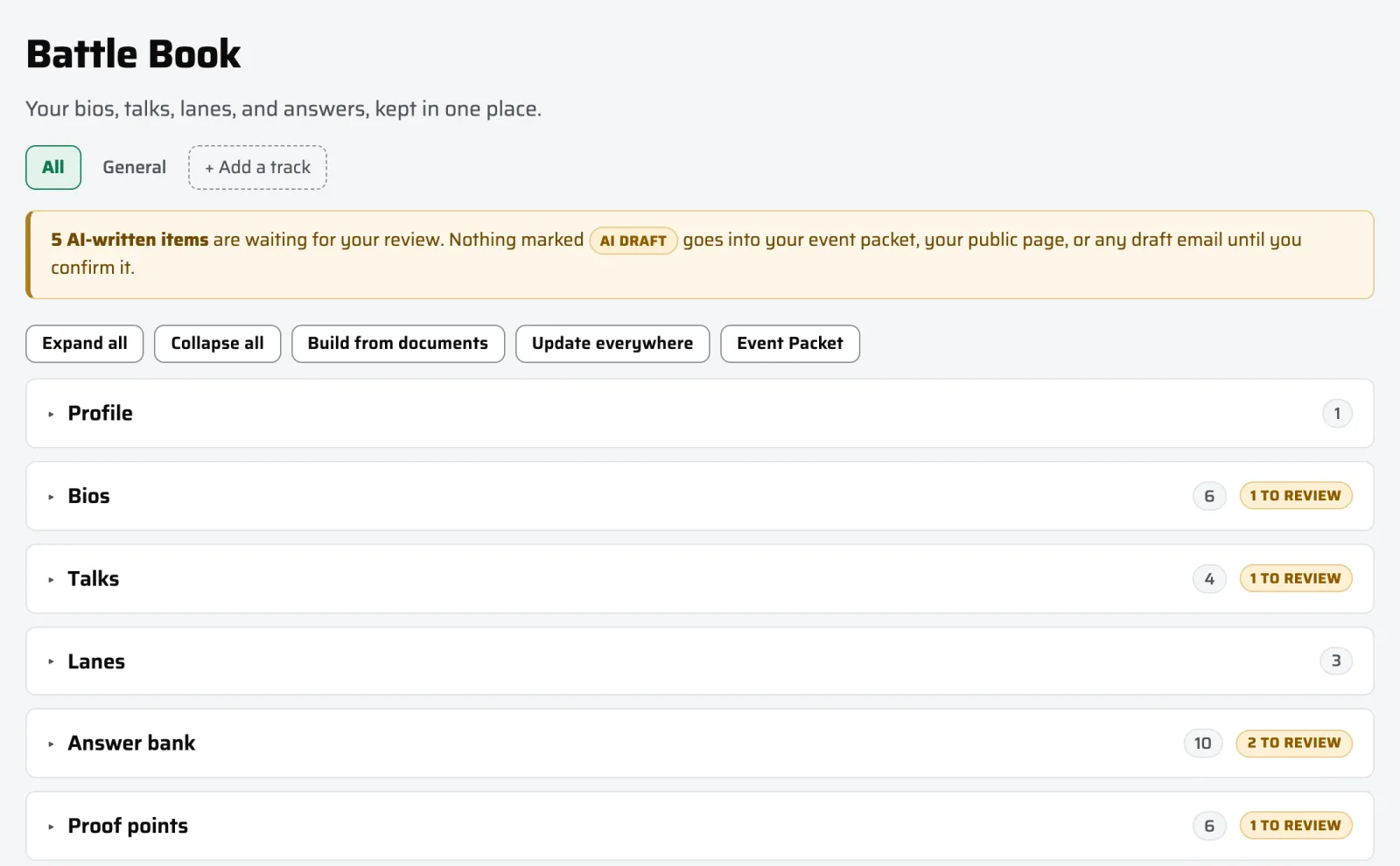
About you
- A one-liner
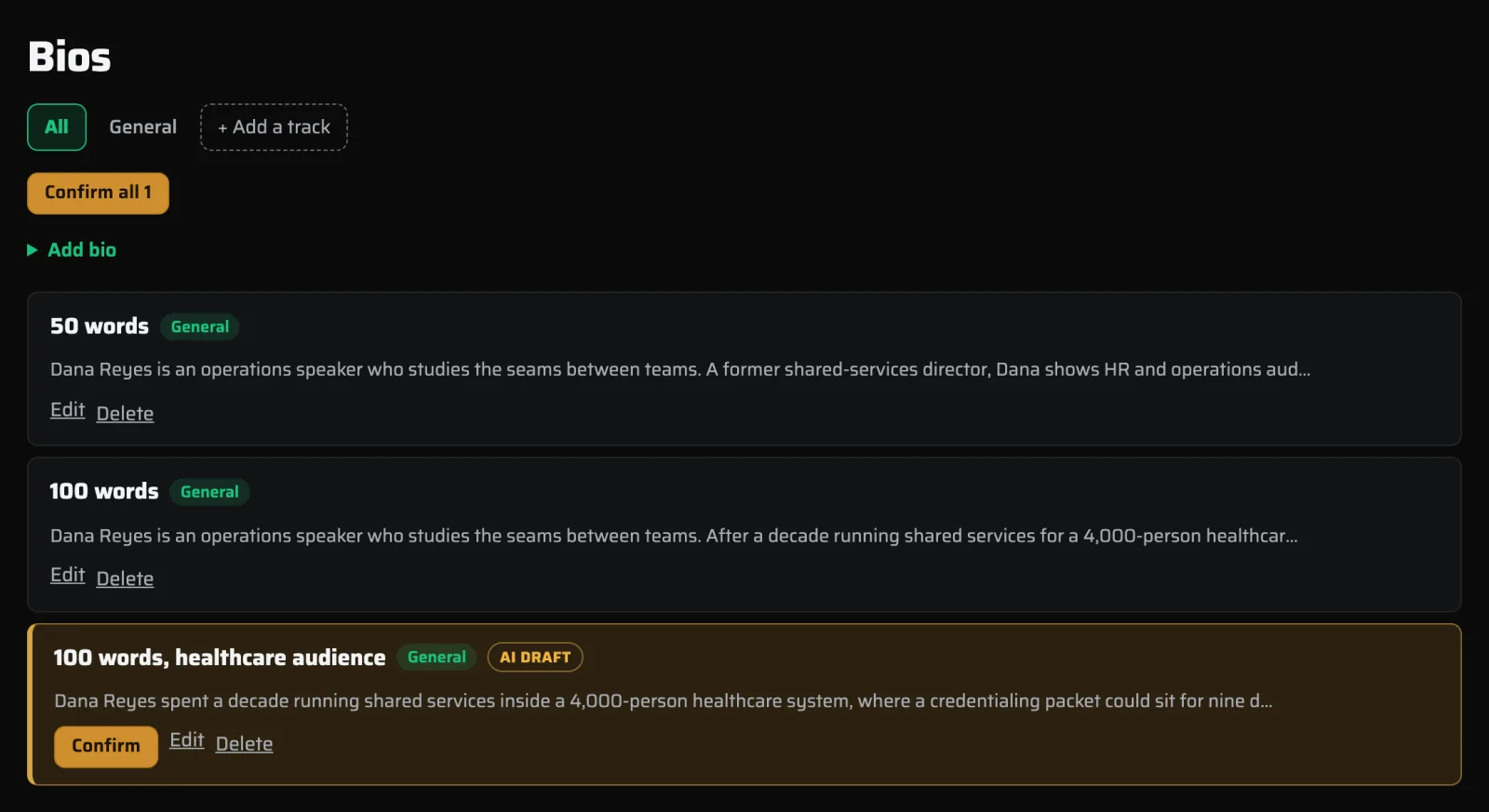
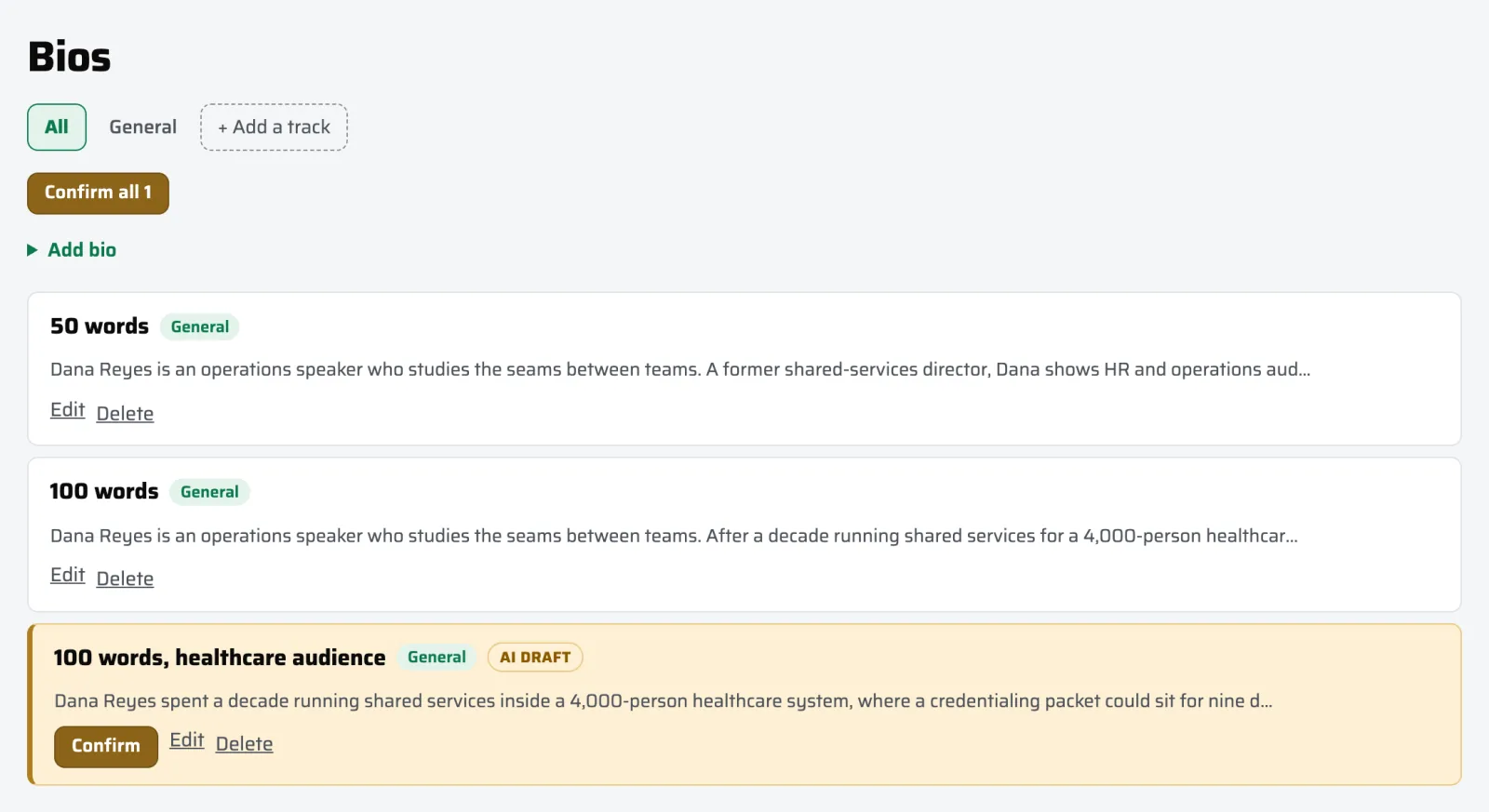
- Bios at 50, 100, 150, 250, and 500 words
- Headshots, reel, and logo links
- Proof points worth citing
What you speak about
- Talks: title, description, takeaways, length, format
- Lanes: the topics and audiences that drive matching
- Tracks, when you speak to more than one audience
What applications keep asking
- An answer bank of reusable answers
- AV, travel, and logistics answers
- Past engagements, podcasts, and webinars
- Testimonials
The right bio is already written when the form asks
One form wants 50 words. The next wants 150. The one after that wants "a short professional bio" with no number at all. Most speakers keep one bio and cut it down by hand every time, which is how a sentence you liked goes missing and never comes back. Speaker Radar keeps all five, so the right one is already written when a form asks for it.
Speak to two audiences without keeping two of everything
Plenty of speakers work more than one audience. Jeff runs an HR track and a Law track from the same account: one keynote, two sets of bios, two sets of lanes, two answer banks. Bios, talks, lanes, answers, proof, testimonials, engagements, and assets each carry a track. A row with no track set applies to every track, which is the sensible default rather than a thing you have to configure.
Nothing an AI wrote reaches an organizer unread
When Speaker Radar drafts something for you, it marks the field as an unconfirmed draft in amber and leaves it that way until you read it. Unconfirmed material cannot reach a published packet. That gate exists because an early review of this product caught unreviewed AI text flowing into a profile that had already been confirmed, and the fix was to make the confirmation step real rather than advisory.