How it works
From four Word files to a booked stage.
Here is the order you meet the product in, from the first upload to the application you send six months later.
Six steps, start to finish
-
Hand over what you already wrote
Sign up with an email and a password, then upload the material you have written about yourself already: bios, a speaker one-sheet, past applications, your website About page. Three buttons, not a chat box. Ask, Save this, and Upload, so a question is never mistaken for a bio.
-
Correct a draft instead of facing a blank form
Speaker Radar reads your uploads and returns a first-draft Battle Book. Every field an AI wrote is marked as an unconfirmed draft and stays marked until you review it. Fixing a draft is faster than writing from nothing, and the review step is real: nothing unconfirmed reaches a packet.
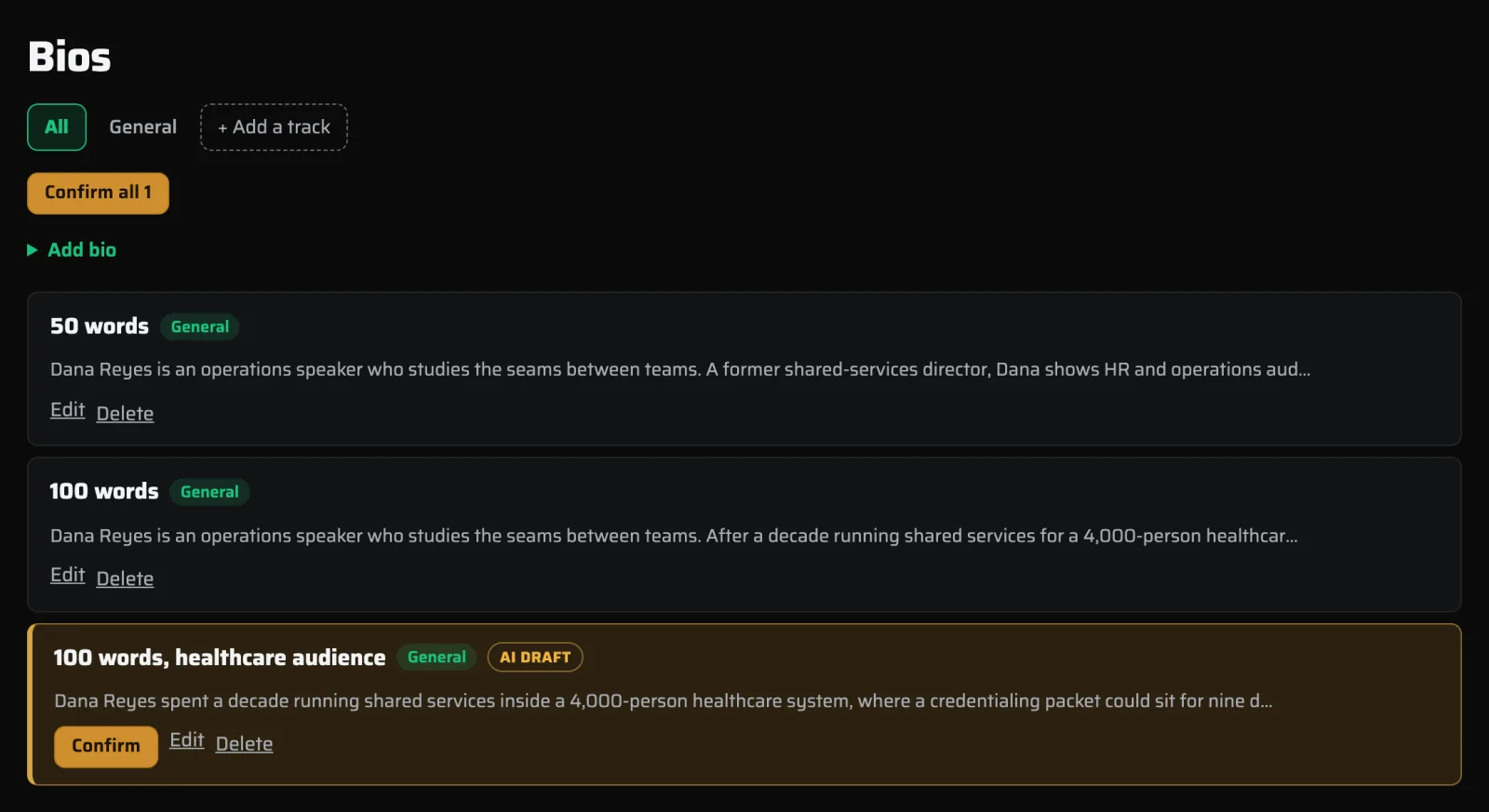
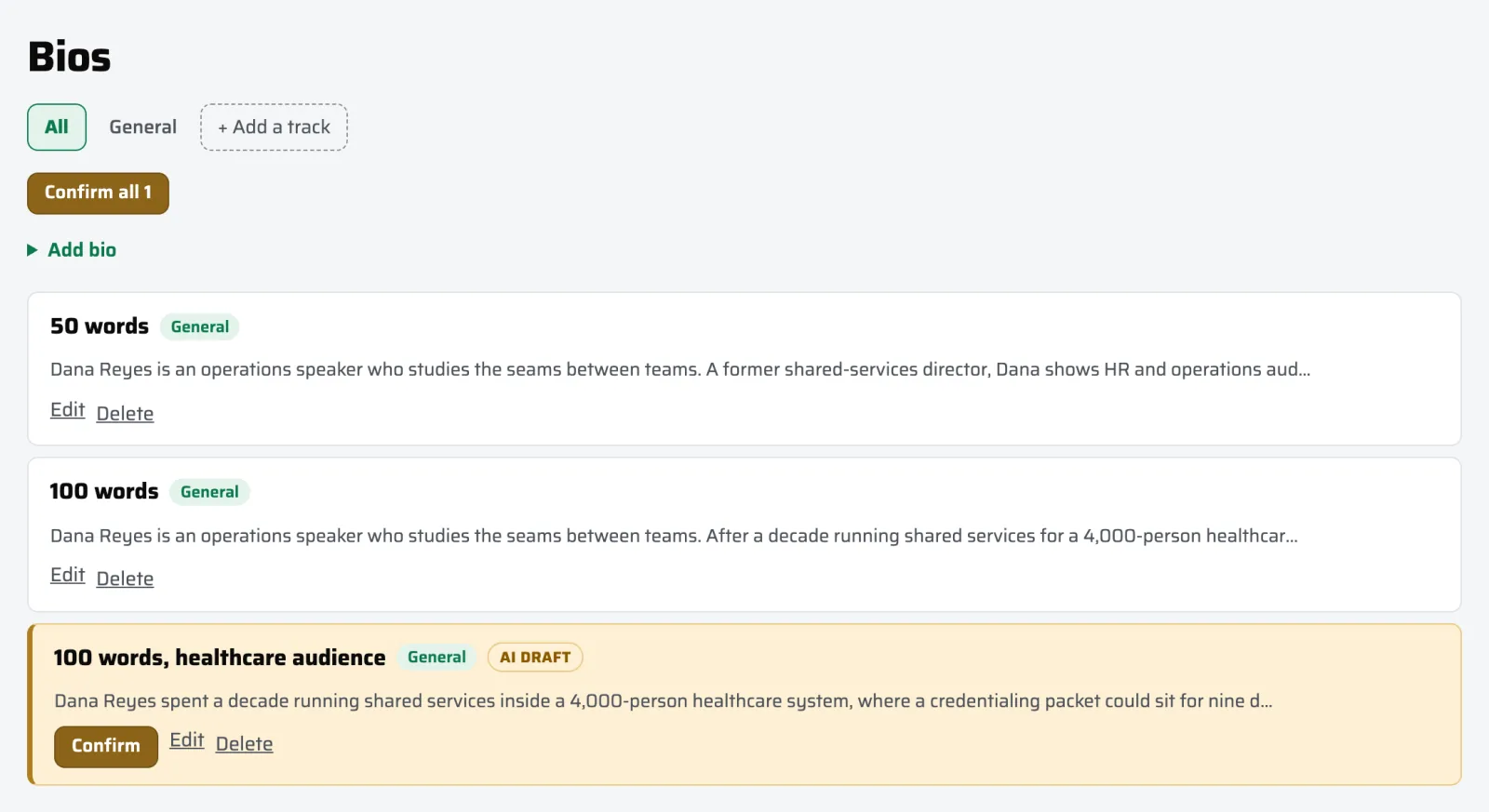
Anything an AI drafted stays amber until you confirm it. Shown with a demo account. -
Name the stages you want to be on
A lane is a topic and an audience you speak to. Lanes drive matching, so this is the step that decides what shows up for you. If you speak to two different audiences, run two tracks: one keynote, two sets of bios, two answer banks. Anything without a track set applies to all of them.
-
Let the events come to you
4Spot researches the opportunities and keeps them current. Each one arrives with dates, location, audience, expected attendance, whether it pays, the call-for-speakers window, and the submission link. The Matcher scores the new ones against your lanes and drops the best into your Tracker as suggestions.
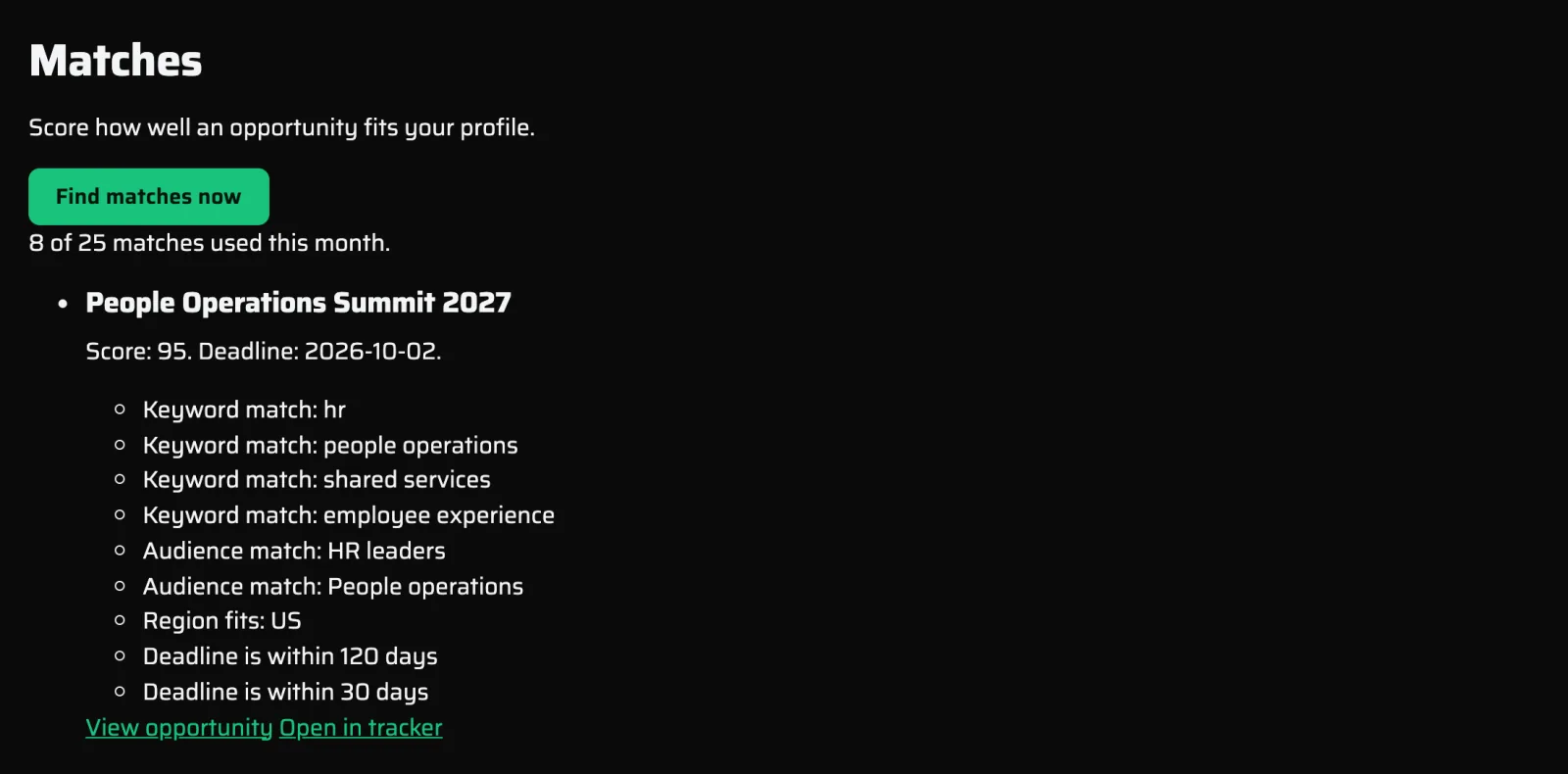
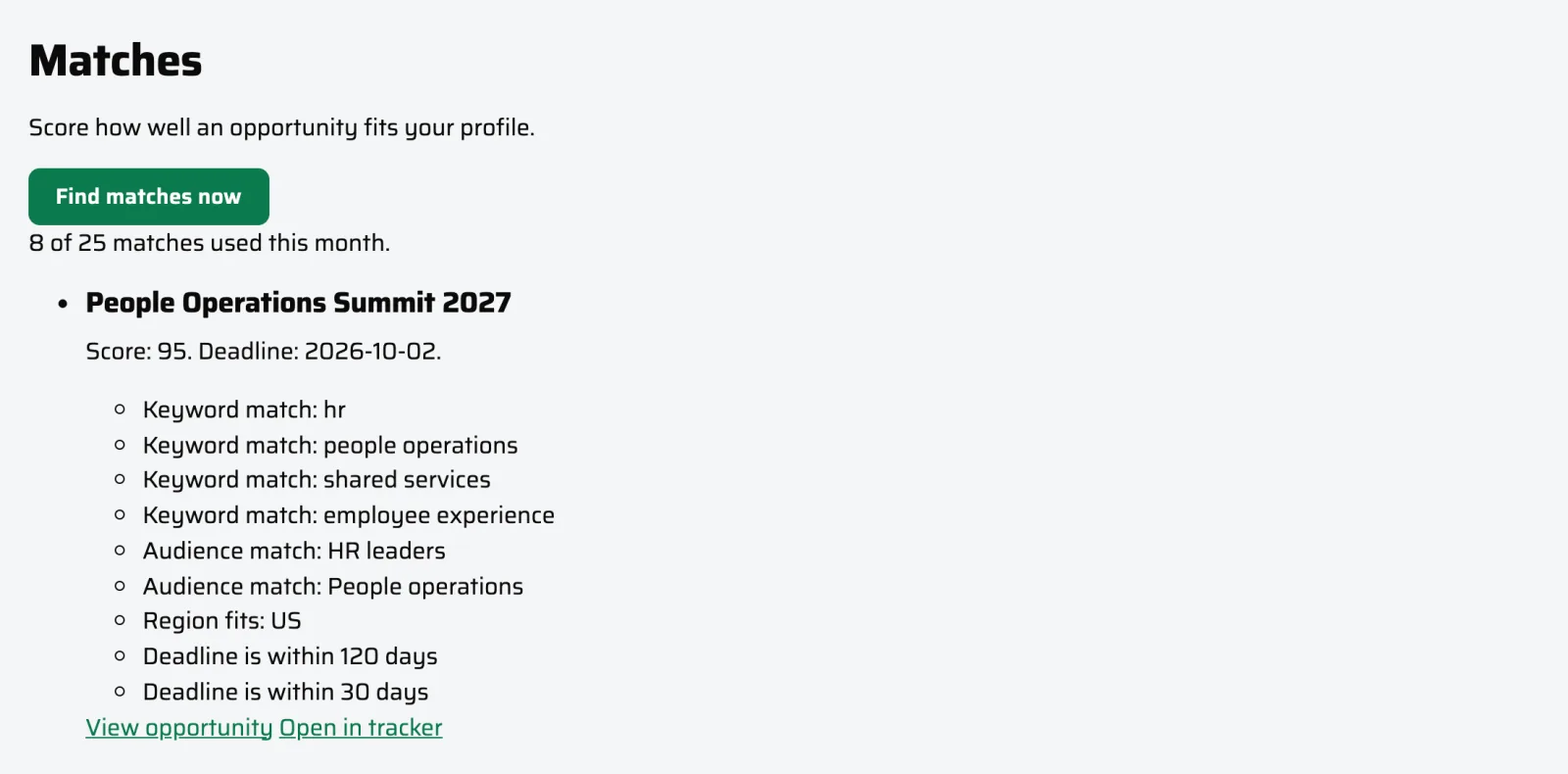
Matches. Each score shows exactly why the event fits your lanes. Shown with a demo account. -
Turn your own material into the application
Paste the form's questions in, or a podcast host's question sheet. You get back finished answers drawn from your Battle Book, sized to the word limits the form asks for. Need something custom? Ask the chatbot, and it will give you the feedback you need based on everything you have confirmed in your Battle Book. If this event wants the manufacturing angle, say so, and it rewrites the answers to match.
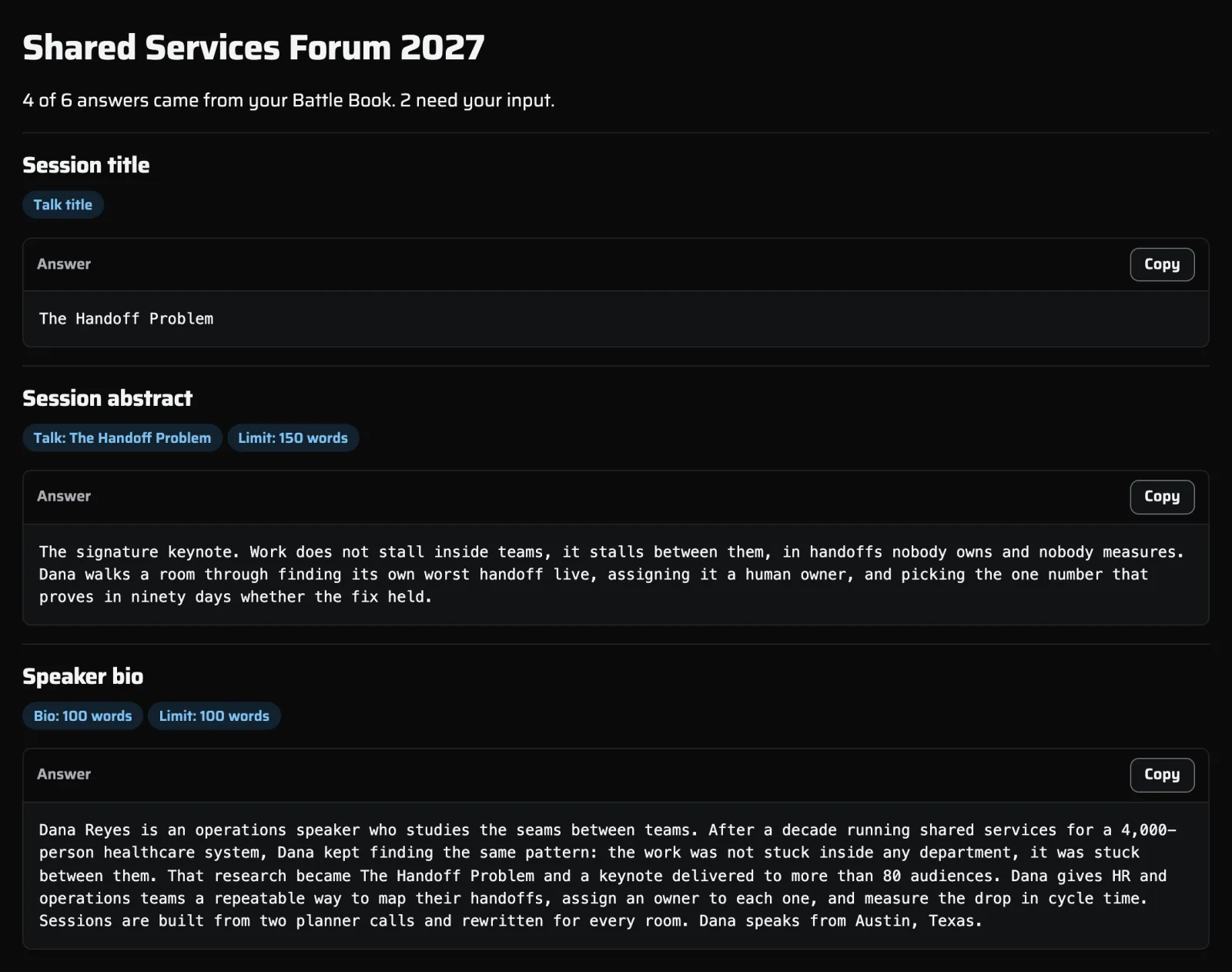
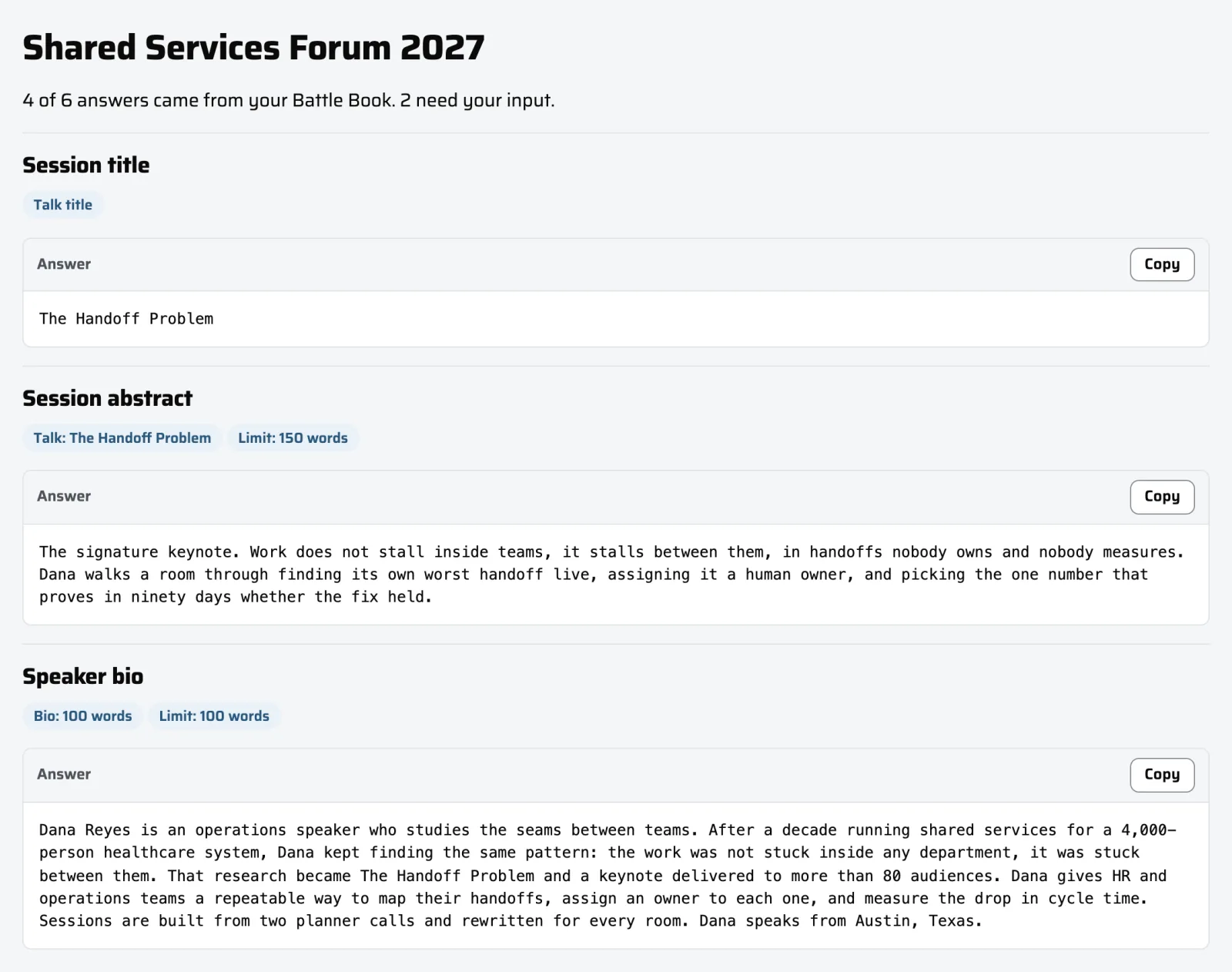
Assemble. Paste the questions, get answers sized to the limits, copy them across. Shown with a demo account. -
Track it to a yes or a no, then get it back next year
Move it to submitted. Attach the prospectus or the signed agreement to the record. The Tracker flags a deadline at seven days and two days out. When the event is delivered or declined, it comes back ten months later as a fresh suggestion with the dates moved forward a year.
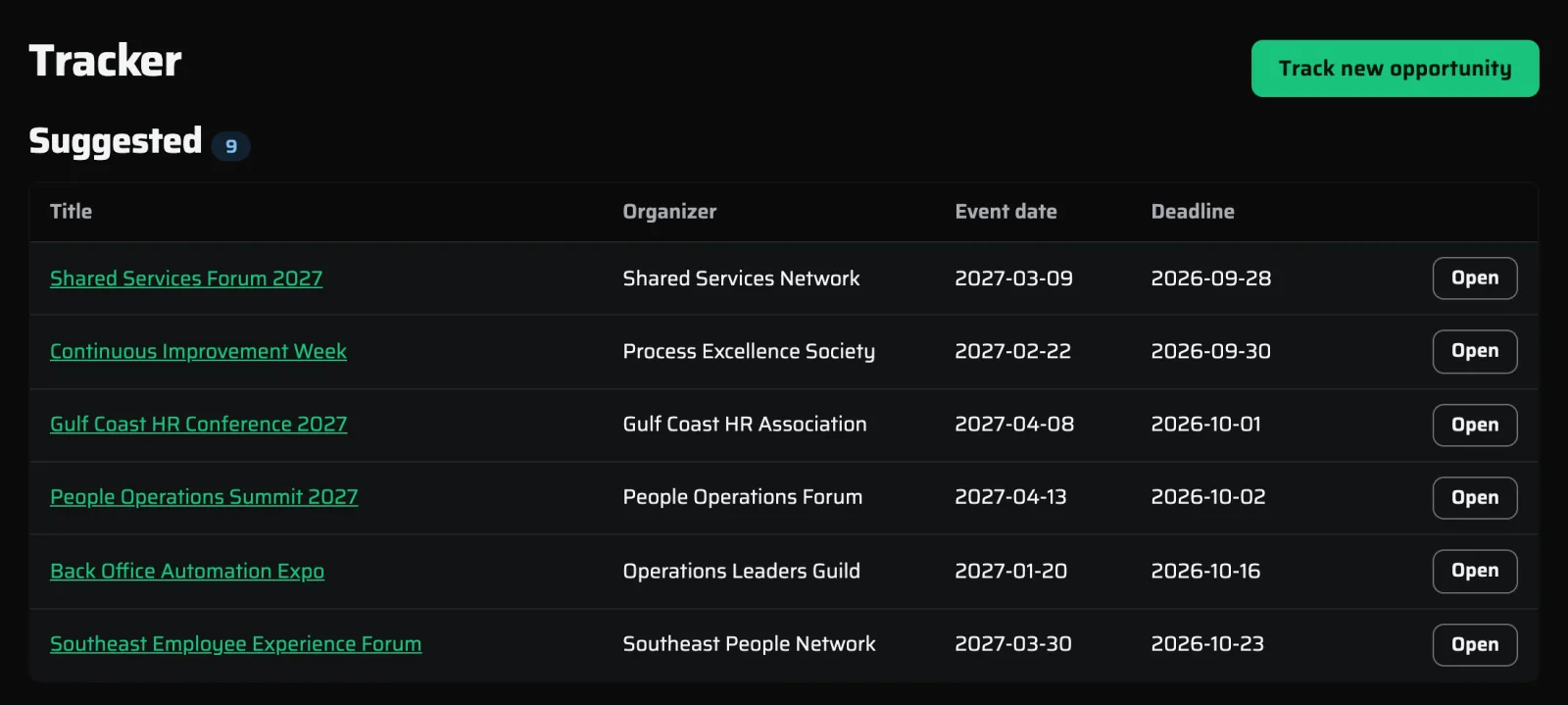
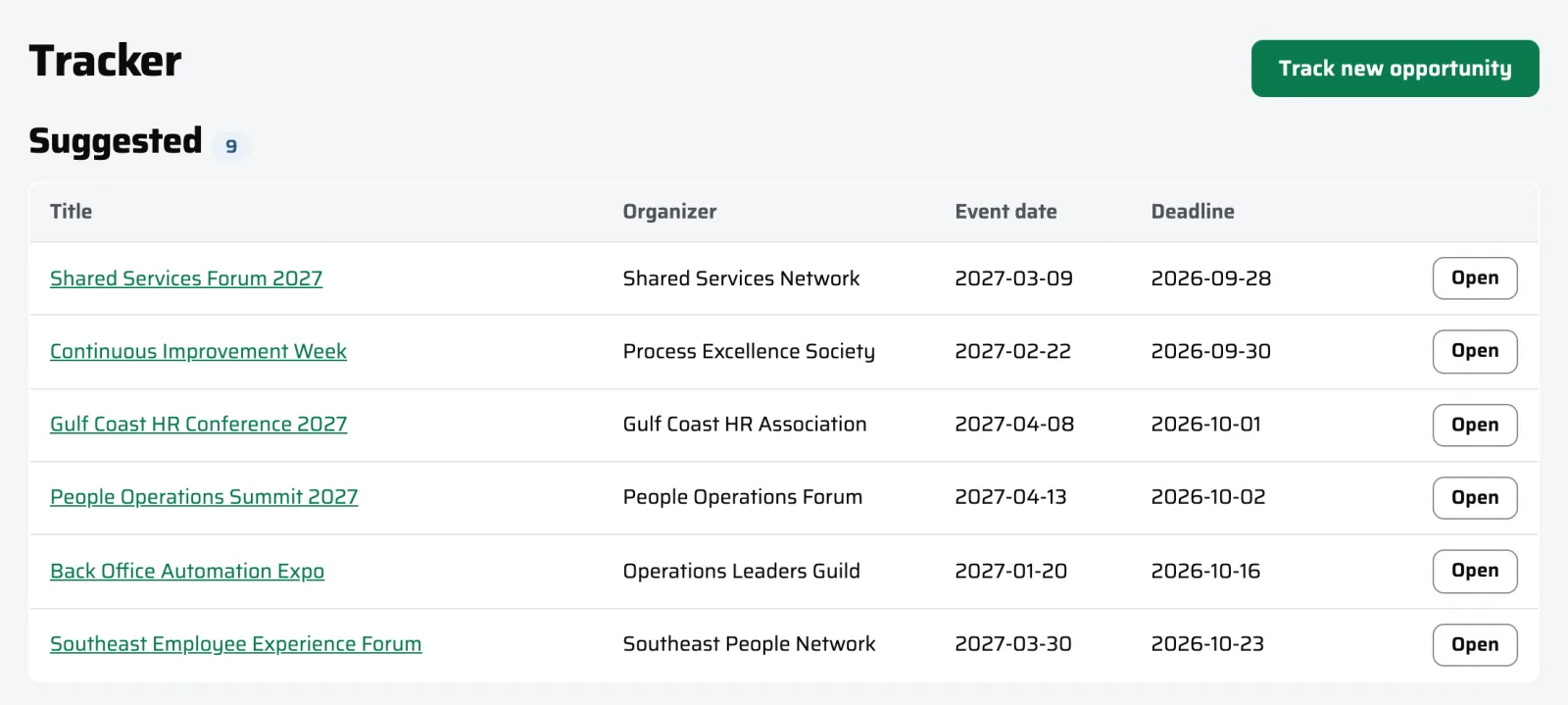
The Tracker. Every opportunity from suggested to booked. Shown with a demo account.
One link answers everything an organizer asks
When an event says yes, they ask for the same things every time: a bio at a specific length, a one-liner, a headshot, a reel link, session descriptions, and the AV and logistics answers. The Event Packet is one page that collects all of it. Viewing it on screen is in every plan. The printable one-sheet and the hosted link you can send an organizer are in Pro and Concierge.
Try the whole loop for seven days
Seven days of Concierge, free, no card required, with every step above unlocked. Load your Battle Book, set a lane, and see what the Radar brings back. After that you keep a free account for good.